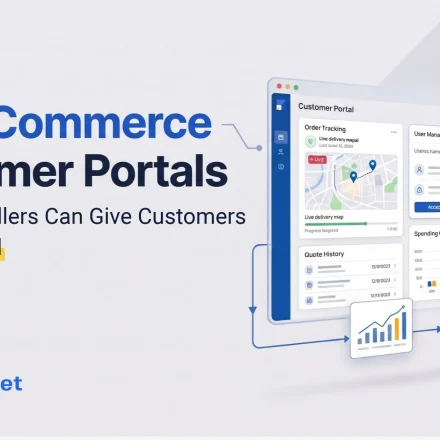
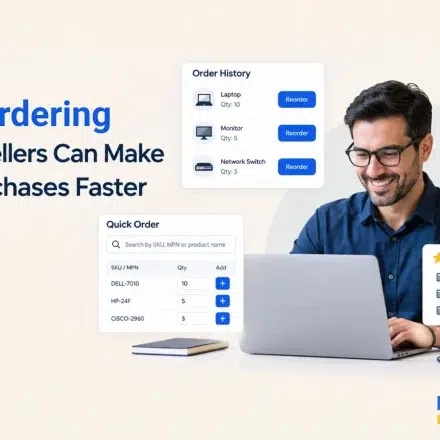
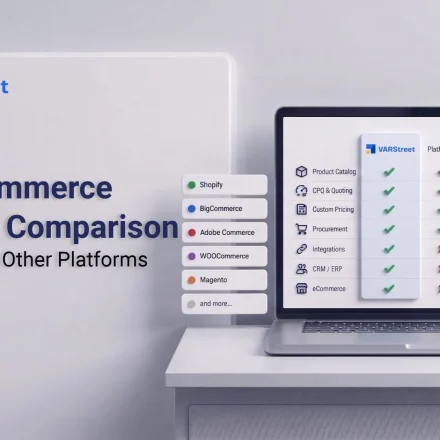
B2B eCommerce Customer Portals: How IT Resellers Can Give Customers More Control

Table of Content
What Customers Should Be Able to Control in a B2B Portal
A B2B portal should give customers enough control to complete routine purchases without requiring your sales team to manage every step. But that does not mean giving buyers unrestricted access to your catalog, pricing, or purchasing process.
For an IT reseller, the right setup is controlled self-service. Customers get a buying experience built around their account, while you define the rules behind it.
Control over what they can buy
Customers should see the products and services relevant to their business rather than your entire catalog. For example, you may want one customer to access a specific range of laptops, networking equipment, and accessories, while another sees a different product mix.
A portal can also bring your own offerings into the same buying experience.
VARStreet’s custom catalog supports products, services, warranties, and supplier offerings alongside distributor inventory.
Control over what they pay
B2B customers often have account-specific pricing. A portal should show each customer the prices that apply to their account instead of forcing your sales team to confirm pricing for every order.
VARStreet supports customer-specific pricing profiles and pricing rules based on products, categories, manufacturers, and customers.
The important distinction is that customers can see their assigned pricing, but you still control how that pricing is calculated.
Control over how they buy
Customers should also be able to choose the purchasing route that fits their organization. That could mean logging into your storefront, browsing their assigned catalog, and placing an order directly. For enterprise buyers, it may mean accessing your catalog through a procurement system using PunchOut.
VARStreet supports B2B storefronts with customer-specific catalogs and pricing, online checkout, and PunchOut workflows for enterprise procurement systems.
This gives customers more independence without turning the portal into an uncontrolled sales channel.

6 Ways a Customer Portal Gives B2B Buyers More Control
When it comes to routine purchases, B2B buyers usually prefer self-service. A McKinsey survey shows that about 86% of B2B buyers prefer using self-service tools to reorder rather than contacting a sales representative.
Repeat orders are a good place to give customers more control while reducing routine work for your sales team. When a customer already knows what they need, a portal lets them place the order without involving a sales rep. Your team still controls the products, pricing, approvals, and fulfillment behind the process.
1. Let customers shop from an account-specific catalog
Not every customer needs access to your full product catalog. A customer portal can present a curated selection based on the products, services, and solutions available to that account.
For instance, a business customer that regularly purchases laptops, monitors, and accessories could see those products immediately after logging in. Another account could have access to a different range based on its purchasing agreement.
VARStreet’s B2B eCommerce storefronts support customer-specific catalogs and pricing. Its aggregated catalog brings product data from connected distributors into one searchable database, while the custom catalog lets resellers add their own products and services.
That means buyers can find approved products without relying on your sales team to build each routine order manually.
2. Let customers see their account-specific pricing
In B2B IT sales, the price a customer sees may depend on the account, product, manufacturer, or pricing agreement. A customer portal should reflect those rules automatically instead of making buyers contact a sales rep for every price check.
VARStreet supports pricing rules at the product, category, manufacturer, and customer level. Resellers can also assign different pricing profiles to individual customers.
That keeps pricing consistent with the customer’s account while leaving the underlying pricing structure under your control.
3. Let customers handle repeat purchases
Many B2B orders are not new buying decisions. Customers know what they need and want to place the same order again without starting from scratch.
A customer portal can make these repeat purchases part of the self-service experience. Buyers can log in, view their assigned products and pricing, and place an order through the storefront. The order then moves into the reseller’s back-office workflow for processing and fulfillment.
For your sales team, that means fewer routine orders to enter manually and more time for purchases that need consultation, product recommendations, or account management.
4. Give enterprise buyers a procurement-friendly route
Some customers have purchasing systems and approval processes that sit outside your storefront. Requiring those buyers to leave their procurement workflow to place an order can add unnecessary steps.
A customer portal can connect the two experiences through PunchOut. The buyer can access your catalog from their procurement system, select the products they need, and send the purchase back through their organization’s established purchasing workflow.
VARStreet supports PunchOut alongside its B2B eCommerce storefront, so enterprise customers can shop the reseller’s live catalog through their procurement systems while following their purchasing controls and approval workflows.
5. Let customers follow their purchasing rules
Not every buyer should have the same purchasing experience. Some accounts may need spending limits, approved product ranges, or internal approval steps before an order can move forward.
Your portal should reflect those account-level rules rather than treating every customer the same. That gives buyers a clear path for routine purchases while keeping the controls you have agreed on with each account.
VARStreet supports customer-specific catalogs and pricing within its B2B eCommerce storefronts. Its workflow also connects approved orders to the reseller’s back-office process, where the order can move through procurement and fulfillment.
6. Keep customer orders connected to your back office
Once a customer places an order, your team still needs to process it and send it through the right fulfillment steps.
In VARStreet, orders placed through the eCommerce store appear in the back office, where the reseller can process them and convert them into purchase orders for the distributor.
That keeps customer ordering connected to the reseller’s existing procurement workflow instead of creating another order-entry process for the team.
How to Set Up Customer Controls Without Creating More Work
Customers get more control when the portal fits the way you sell. Before you enable self-service ordering, decide what each customer can buy, what prices they should see, and how they can place orders. A practical setup should cover:
Start with customer segmentation
Start by grouping customers based on how they buy from you. Different accounts may need different products, pricing, approval steps, and ordering methods.
For example, one customer may have access to a set list of laptops and accessories with customer-specific pricing and direct checkout. Another may need approval for larger orders and use PunchOut through its procurement system.
Setting these rules by customer group makes it easier to manage portal access as your customer base grows.
Define your business rules before opening the portal
Set the rules before customers start using the portal. This helps prevent pricing, approval, product, or order issues later.